
Rules
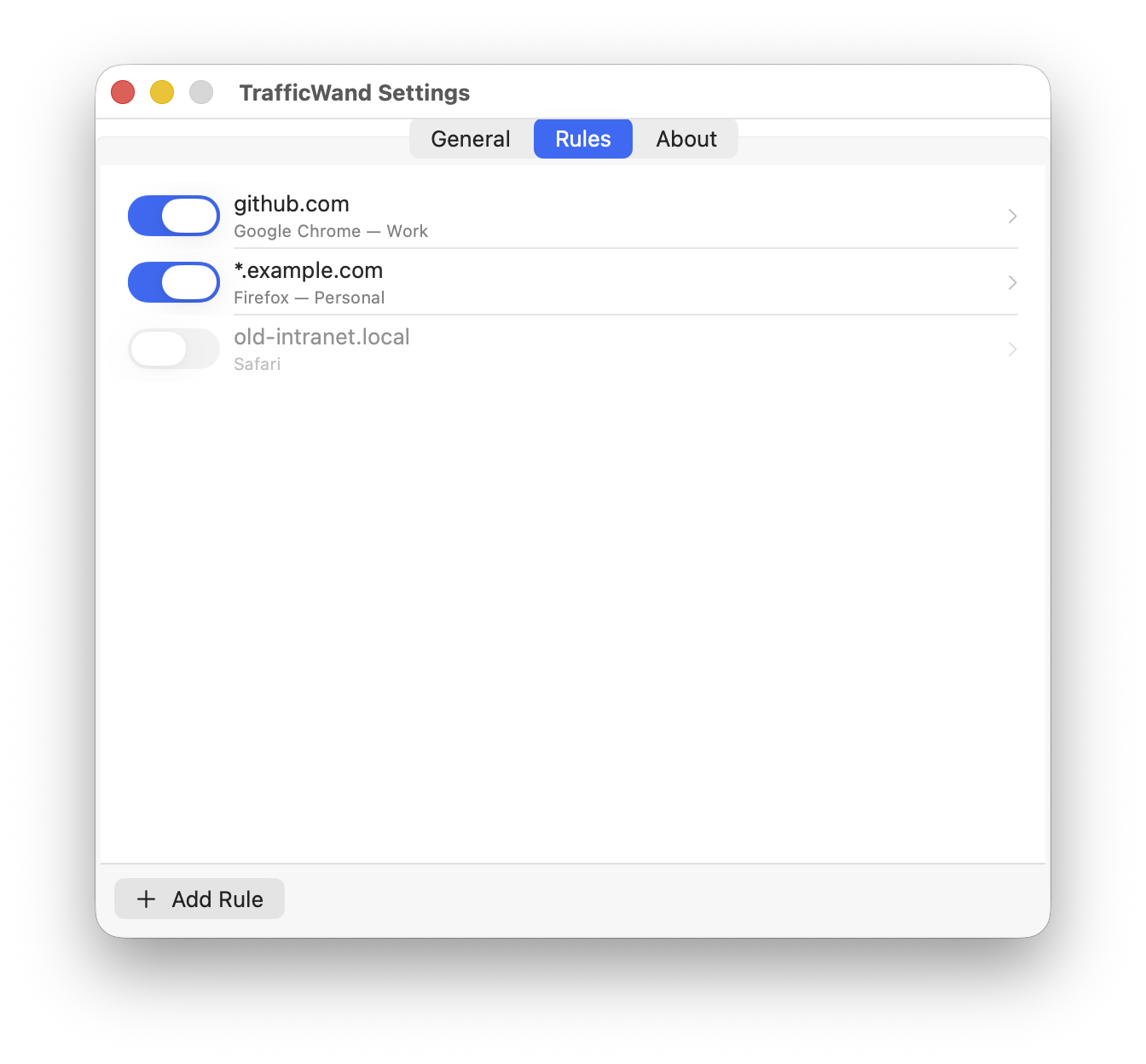
You tell TrafficWand which sites open in which browser. It works through your list top to bottom and uses the first rule that fits — and you can switch any rule off whenever you want.
A tiny menu-bar app that becomes your default
browser.
When you click a link anywhere
on your Mac, TrafficWand opens it
in the browser and the profile you
picked for that kind of link. Set up your
rules once and stop opening links
in the wrong window.
Free & open-source · macOS 26 Tahoe or later
One click in the menu bar, one macOS confirmation. From then on, every link you click anywhere goes to TrafficWand first.
Tell TrafficWand which sites open in which browser. It works through your list top to bottom and uses the first rule that fits the link.
*.atlassian.net →
Chrome “Work”
*youtube.com → Safari
localhost →
Firefox “Dev”
Slack, Mail, Terminal — wherever you click a link, TrafficWand opens it in the right browser and the right profile. No matching rule yet? It asks you which one to use.
You tell TrafficWand which sites open in which browser. It works through your list top to bottom and uses the first rule that fits — and you can switch any rule off whenever you want.
Each rule can point at a specific browser profile, not just a browser. TrafficWand finds your profiles on its own, so work links open in your work profile and your personal tabs stay personal.
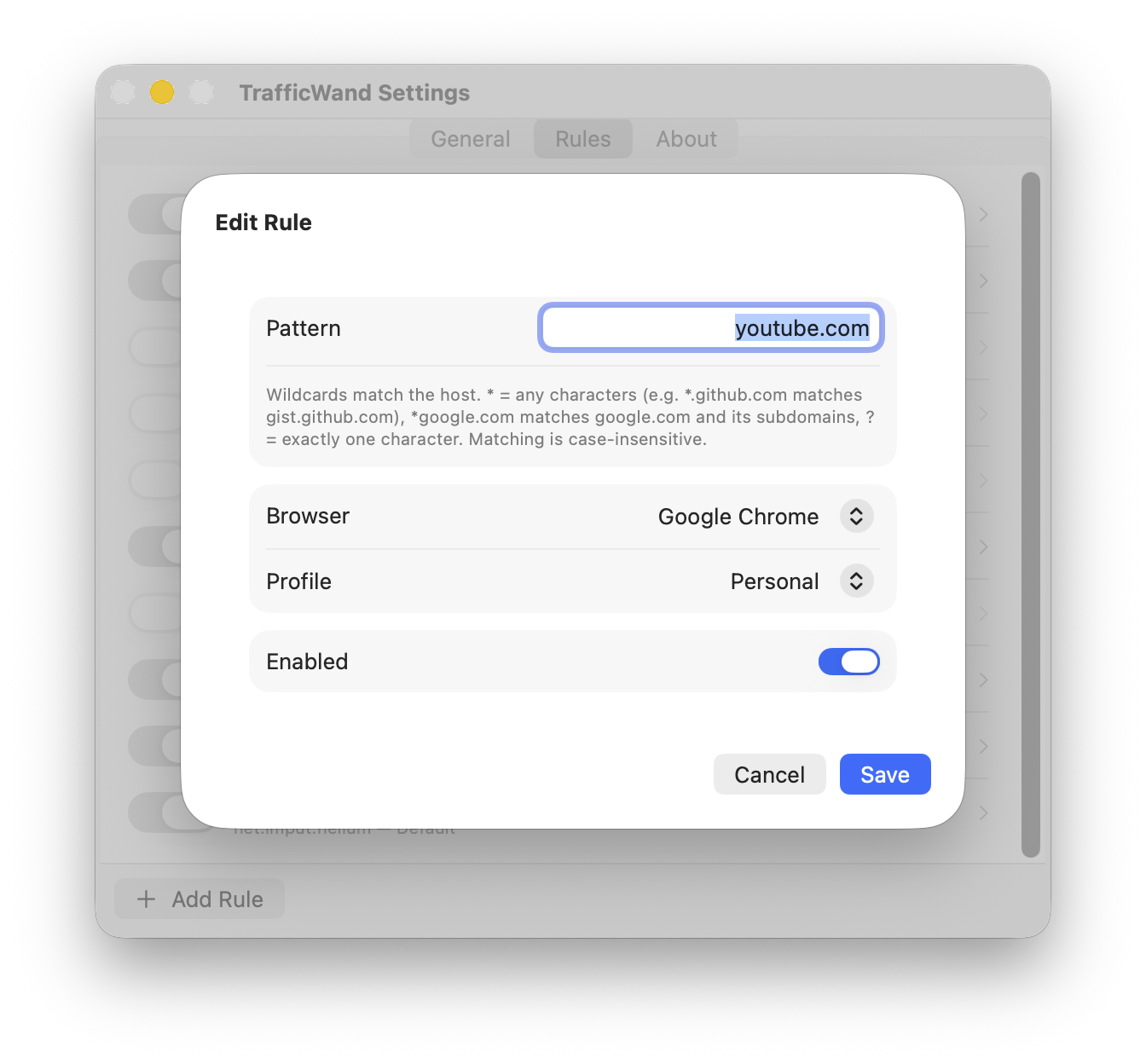
Name a browser-and-profile combo once — like Work or Personal — and point your rules at that name instead of picking the browser and profile every time. Re-point an alias and every rule that uses it follows, with nothing to edit one by one.
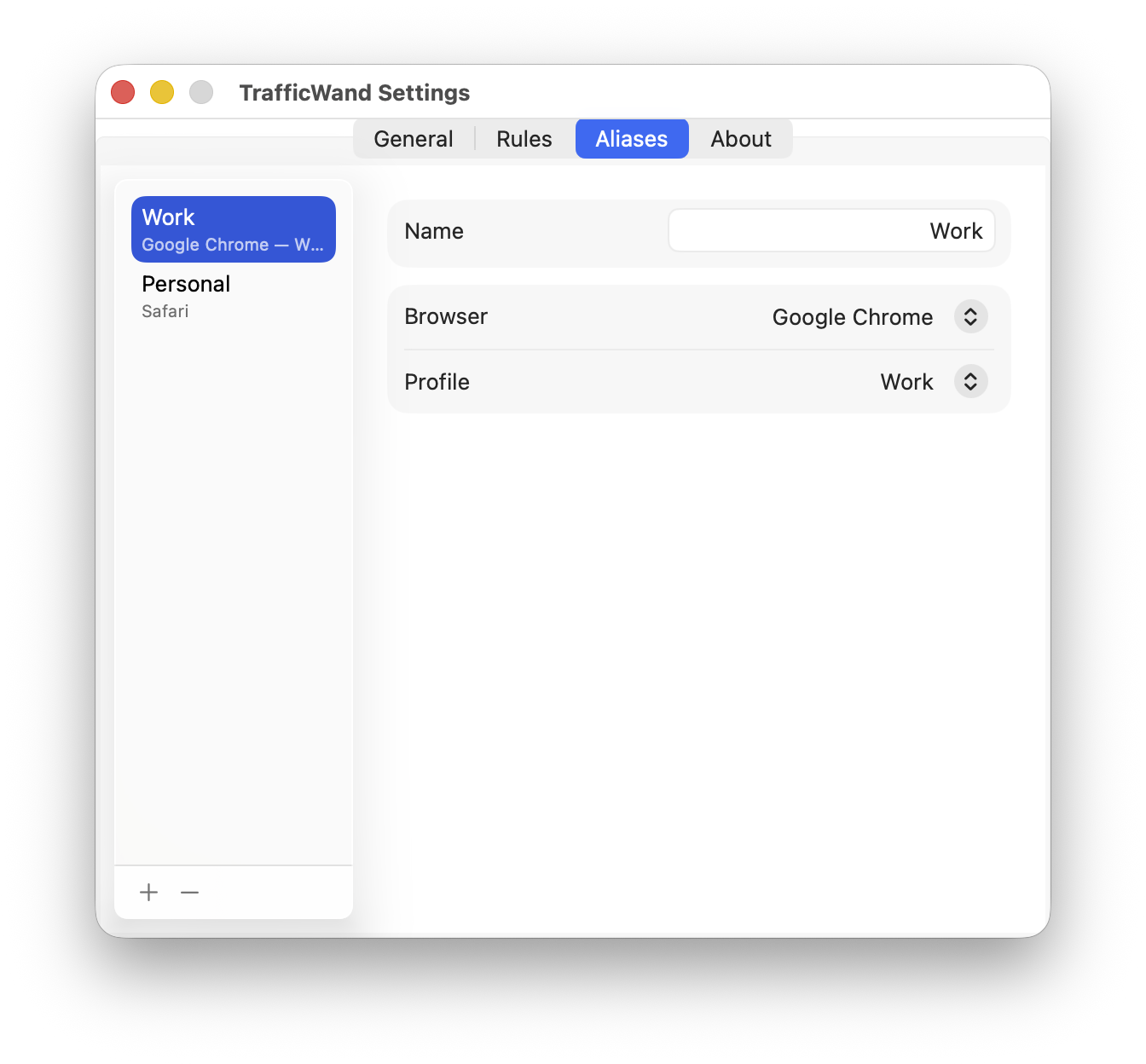
When a link doesn’t match any rule, TrafficWand asks which browser to open it in. Check “Remember choice for this site” and it saves your pick as a new rule — so it learns where your links go as you use it.
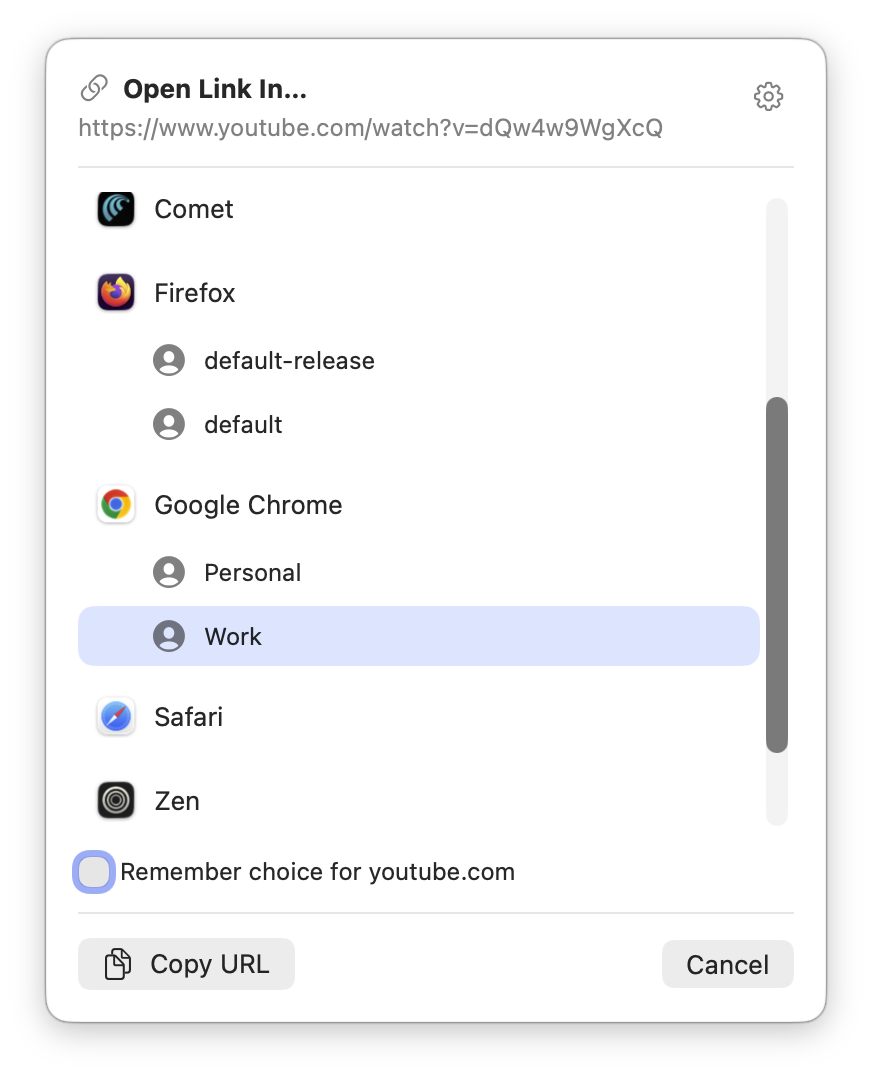
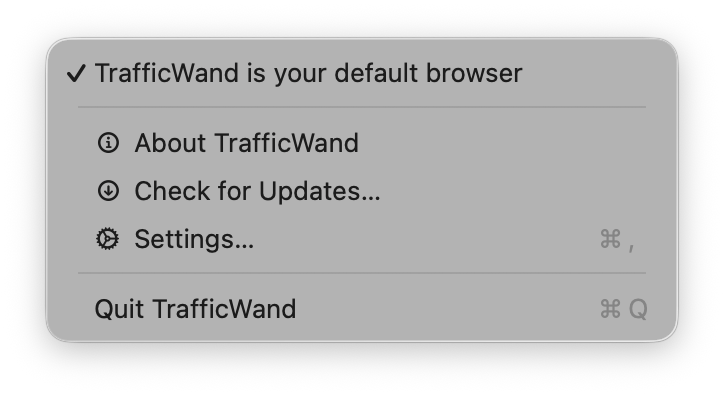
No Dock icon, no windows. TrafficWand only shows up when a link needs a decision — the rest of the time you’ll forget it’s running.
Browser already running, with a dozen windows open? TrafficWand still sends the link to the right one — nothing to restart, nothing to set up twice.
TrafficWand checks for new versions on its own and lets you know when one’s ready. You install it whenever suits you.
Free, open source, and it collects no data. Anyone can read the code and see exactly what it does — and doesn’t do.
Nothing. It’s free to use and open-source, forever. If it saves you a daily annoyance, you can buy me a coffee.
None at all. No analytics, no telemetry, no accounts. The only time TrafficWand touches the network is to check GitHub for a new version.
macOS 26 (Tahoe) or later. Apple has checked the app, so it opens without any scary security warnings.
Any installed browser can be a target. Switching profiles works for Chrome, Edge, Brave, Arc, Vivaldi, Helium and other Chromium browsers, and for Firefox. Safari can’t switch profiles from the outside, so a rule pointing at it just opens the link.
Pick any other browser under System Settings ▸ Desktop & Dock ▸ Default web browser, then delete the app. No leftovers, no uninstaller needed.
Open an issue on GitHub — that’s where all of TrafficWand happens.